
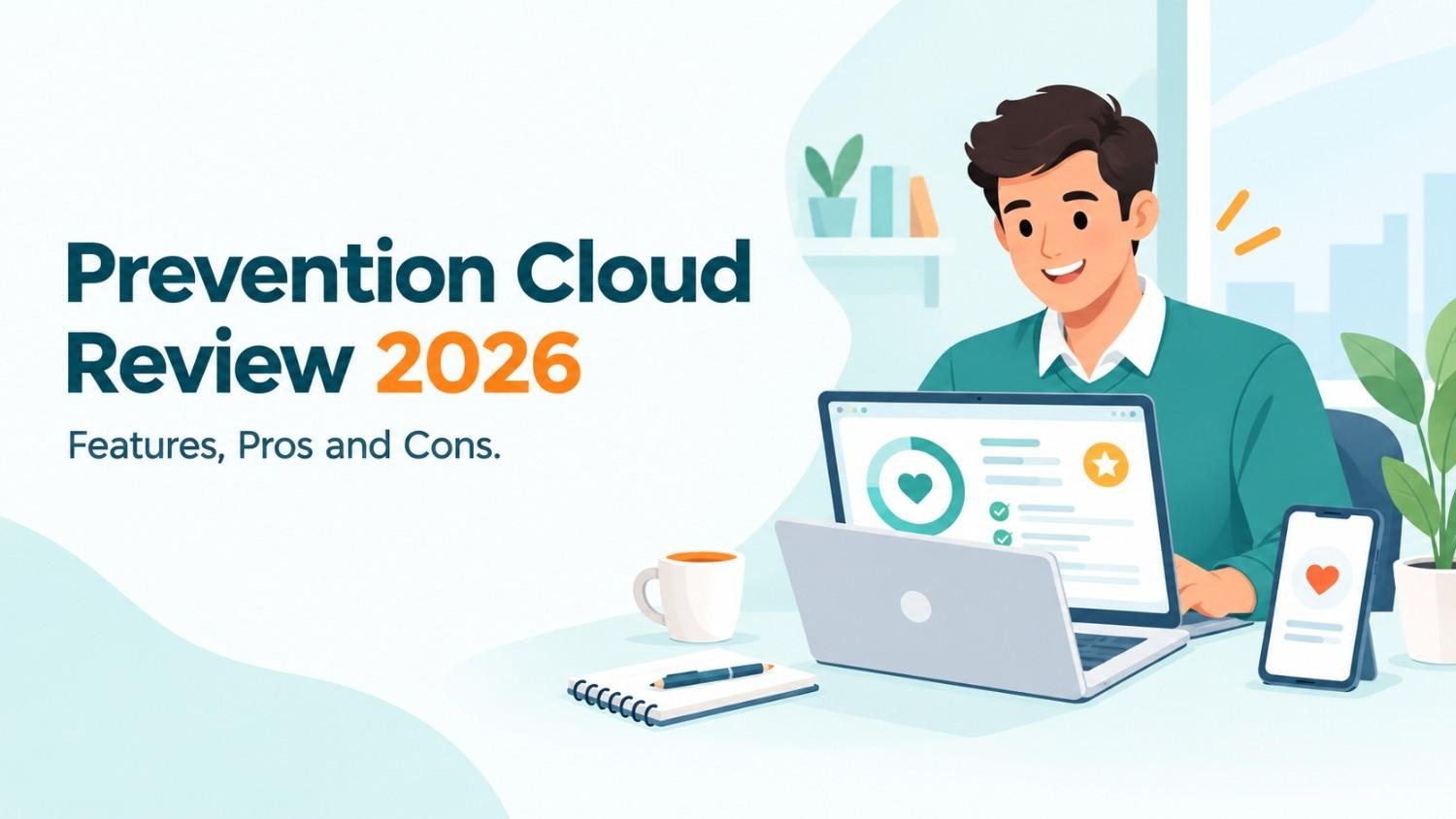
Your HR team just told you to sign up for Prevention Cloud. Maybe there was a deadline. Maybe there was money attached. So you did the sensible thing and looked for a Prevention Cloud review before handing over your health details. I’d do the same.
I went through app store pages and employer wellness guides. I also read the vendor’s own material. This Prevention Cloud review explains what the platform does and how the points work. You’ll also see where the phone app struggles and how to dodge the usual problems.
What Is Prevention Cloud?
Prevention Cloud is a workplace wellness platform made by Zomo Health. Employers hand it to staff so they can complete health tasks and collect points. Those points can turn into rewards such as lower premiums or rebates. The website works reasonably well. The mobile app gets poor ratings.
What Is Prevention Cloud?
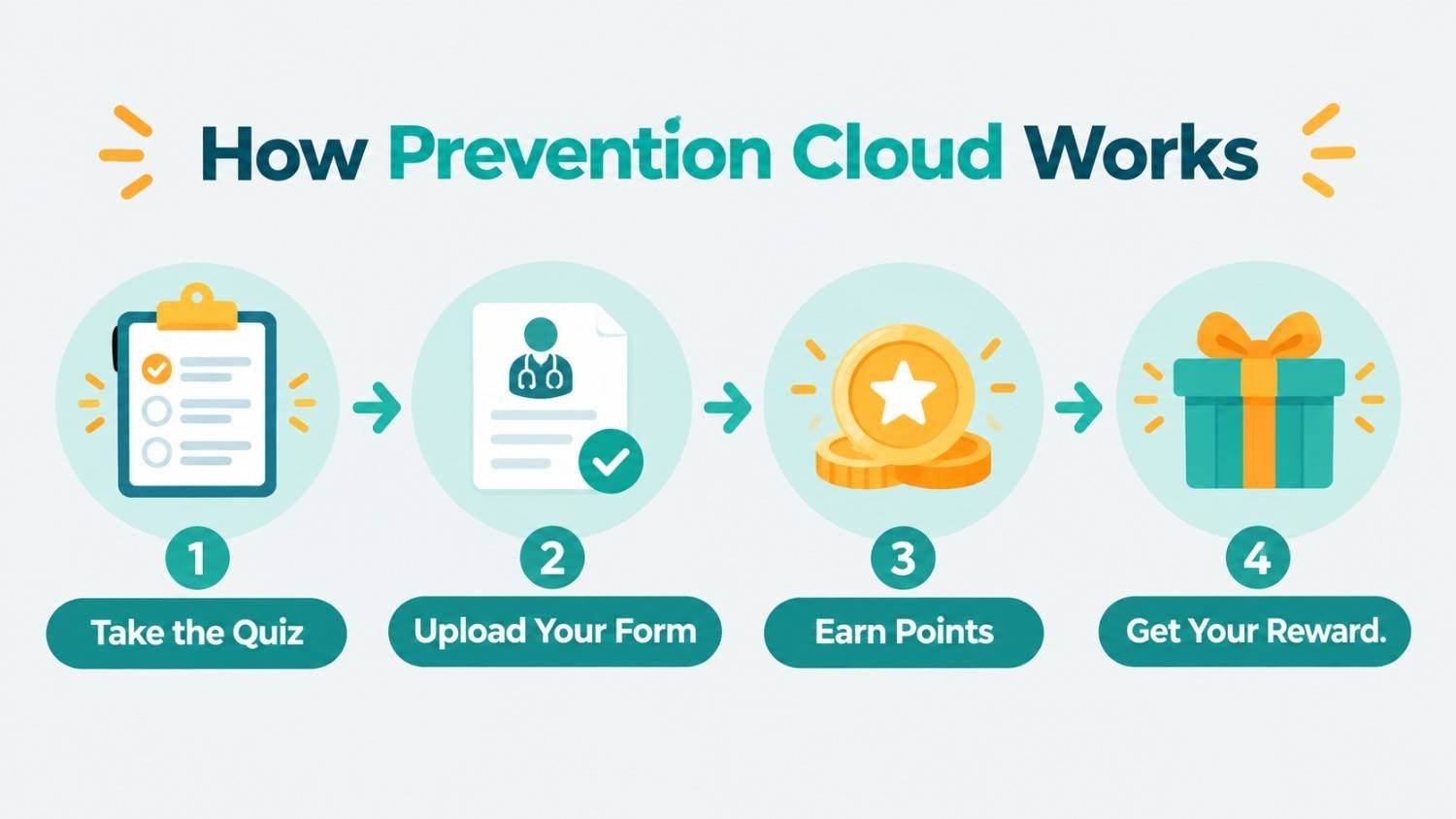
Think of it as a health scoreboard that your employer owns. You log in and answer a short quiz. You upload a form from your doctor and maybe join a step challenge. Each task adds points to your total. Your company decides what that total earns you.
A vendor directory entry calls PreventionCloud a technology platform for population health management. It says the company started in 2015 and sits in Houston. The platform helps assess health and gets people moving on healthy habits. It also tracks results as they happen. That last part is why employers like it. They can see if the wellness plan is doing anything.
Who Makes Prevention Cloud?
Zomo Health builds and runs the platform. It’s named as the developer on both the Apple and Google stores. The company’s services page shows it sells more than software. You’ll find health coaching and incentive design there along with marketing support for employers.
Who Uses Prevention Cloud?
You don’t pick it yourself. Your employer does. Public pages show all sorts of users. The County of San Mateo tells staff on its wellness page that they can reach the portal through OKTA or a browser or the app. Universities use it for staff and spouses. Private firms link it to health plan savings.
So here’s the catch. Your experience depends on your employer as much as the software. A tidy program feels smooth. A cluttered one feels like extra homework.
Why the Name Prevention Cloud Causes Confusion
Search results blend two ideas. One is the wellness portal I just covered. The other is a security concept. A cloud security blog uses the name for a framework with threat detection and live monitoring. That post reads like a broad overview. I couldn’t find a separate security product with this exact name from a major vendor.
Use this table to sort out which one you need:
| Clue | Wellness Platform | Cloud Security Idea |
|---|---|---|
| Who sends you there? | Your employer or HR | Your IT or security team |
| What you do | Take quizzes and earn points. | Watch threats and set access rules. |
| Where you see it | Website and phone app | Security dashboards |
| What you gain | Rewards and health info | Alerts and data protection |
Did your email mention points and screenings? Then you’re in the right place. Hunting for firewall tools? Try searching for cloud data loss prevention instead.
Prevention Cloud Features
The feature list runs long. These are the pieces most people touch.
Health Risk Assessment
It’s an online quiz about your habits and health. One employer manual says it takes about seven minutes and gives you a personal action plan. Many programs require it. It’s often the quickest win you’ll get.
Physician Visit Forms and Labs
People trip over this one. You download a form and take it to your doctor. After your visit you upload the signed copy. One company FAQ says reviewers usually take two or three business days to post your points.
Some employers add more steps. A recent post on a university news page shows a staff member upset about separate packets for dental and eye visits. Points used to appear without any extra paperwork. I understand the annoyance. Forms are nobody’s favorite task.
Challenges and Trackers
The App Store listing lays out the toolkit. It names participation tracking and Apple Health Kit support along with events and quizzes. You also get trackers for exercise and nutrition and biometrics.
Challenges are the lively part. Employers run step contests and team events. One program manual includes a Pay It Forward week built around small acts of kindness at work.
Device Syncing
Syncing a watch or phone should be effortless. In real life it’s a coin flip. Apple Health works for some people and crashes for others. Garmin owners report trouble too. I’ll get to that below.
How Prevention Cloud Points and Rewards Work
Every employer builds its own scale. So don’t compare your totals with a friend at another company.
Here’s a real sample from a 2023 to 2024 program manual:
| Activity | Points | Status |
|---|---|---|
| PreventionCloud registration | 5 | Optional |
| Physician form and labs | 100 | Required |
| Online health risk assessment | 50 | Required |
Other programs shrink the numbers. One university guide gave a single point for the health risk assessment and a single point for a biometric screening. Same platform but a very different scale.
Rewards change from place to place. That university offered a $600 healthcare contribution rebate plus a raffle for top scorers. A private company used points to earn a premium differential the next year. Others hand out gift cards or monthly savings.
Two timing rules will save you grief:
- Look up your plan year deadline on day one.
- Upload forms early since points can lag.
The same university warned that points may need up to two weeks to appear. So don’t leave everything for the final week.
Prevention Cloud App Review: What the Store Ratings Say
Most complaints point at the phone app. Here’s how the two stores stack up:
| Store | Rating | Ratings Count | Common Complaints |
|---|---|---|---|
| Apple App Store | 2.6 out of 5 | 19 | Crashes and weak progress charts |
| Google Play | 1.8 out of 5 | 47 | Login trouble and dead menus |
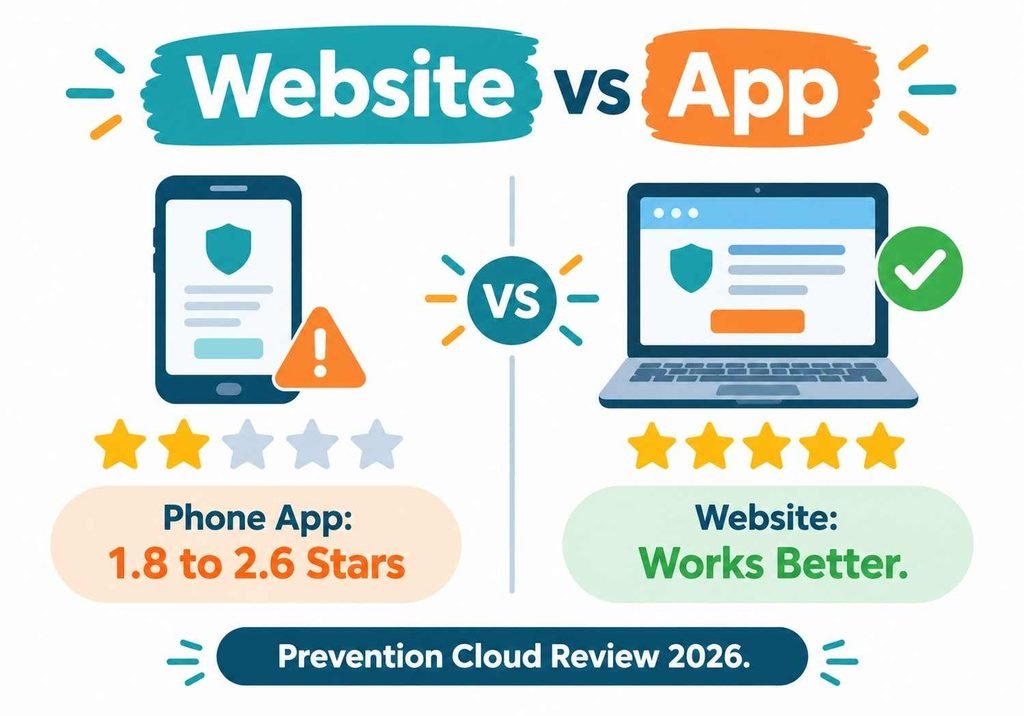
The Apple page shows a 2.6 average across 19 ratings. The Google Play page shows 1.8 stars from 47 reviews. Those are rough numbers for any app.
The team does ship updates. An app tracking site lists version 3.2.8 with a February 2026 update. Even so, a reviewer there said the app crashes each time Health Kit opens and never syncs. Fixes are landing. They just aren’t reaching everyone.
Keep the sample size in mind. Nineteen iPhone ratings isn’t a huge crowd. Still, the two stores tell the same story. The app is the weak link.
What Prevention Cloud Does Well
Not everything is bad. Here’s what works:
- The website runs better than the app for most tasks.
- The health assessment is short and easy.
- Rewards can add up to real money.
- Employers can host events and challenges in one spot.
- Support contact details appear on the store page.
One Google Play reviewer said they loved the concept. They added that the website works great while the app causes the pain. Plenty of users say the same. If a laptop is nearby, then use the site.
Preventive care has real value too. A yearly checkup can catch problems early. A program that pushes you to book one does something useful. Cash on the table makes that push stronger.
Where Prevention Cloud Falls Short
Now the weak spots:
- The phone app scores low on both big stores.
- Syncing with some fitness devices breaks often.
- Paper forms add work for busy staff.
- Points can take days or even weeks.
- Login help feels thin for people without accounts.
Look at the Garmin issue. One reviewer wrote that the app doesn’t sync with Garmin watches. The suggested Google Fit workaround stopped working months ago. That’s one voice, but others describe the same trouble.
Login problems pop up as well. Another reviewer never received the username or reset emails. Your HR team can often fix that in minutes. Ask them before you reinstall the app ten times.
What Real Users Say About Prevention Cloud
Feedback falls into three camps.
The first camp likes the idea. They enjoy challenges and want the reward. They say the website gets easy once you learn the steps.
The second camp likes the idea but dislikes the work. They want fewer forms. The university staff member above is the clearest public example. They asked why a simple benefits statement wasn’t enough.
The third camp blames the app. They report crashes and menu buttons that do nothing. Sync failures come up a lot.
Notice the pattern. Many complaints are about program design and not only code. An employer can ask for fewer forms. If your program feels heavy, then tell HR. Your note might shape next year’s rules.
Does Zomo Health Deliver Results?
Zomo Health posts its own case studies. They look strong. One manufacturer with nearly 2,000 workers reported 78% engagement and a 40% gain in health scores. A larger automaker with 11,376 workers reported 73% engagement and a 43% score gain within four years.
Take those numbers with caution. They come from the vendor and not from an outside study. They also describe full programs with coaching and premium incentives. The software alone didn’t do all the work. Still, they show a well-run workplace wellness program can pull most employees in.
Is Prevention Cloud Safe and Private?
This worry comes up often, and it’s fair. You’re sharing health details with a system tied to your job.
One employer manual says only HR and payroll may learn whether you finished the screening and assessment. Another company manual says the health data stays secure and private. Those are employer statements. They aren’t audits.
A few habits protect you:
- Read your employer’s privacy notice before answering health questions.
- Ask HR exactly who sees your results.
- Choose a strong and unique password.
- Skip optional questions you feel unsure about.
Watch your login style too. One university explained that employees use single sign on while spouses use a separate username and password. Check which one fits you so you don’t lock yourself out.
How to Fix Common Prevention Cloud Problems
Login Trouble
Start with the single sign on link on your HR page. Many employers offer it. If you have a direct PreventionCloud login then check the spelling and format. Some programs build usernames from your name and birth year. Still stuck? Email support or call HR.
Sync Trouble
Update the app and your phone. Reconnect Apple Health or Google Fit. If it still fails then log steps by hand on the website. It’s slower but it works. Take a screenshot in case points go missing.
Missing Points
Wait out the posted review time first. For forms that’s usually two to three business days. Then check your activity history page. If points are still gone then send support your upload date and a screenshot.
Tips to Get More From Prevention Cloud
These habits cut most of the pain:
- Finish the health assessment in week one.
- Book your annual checkup early and bring the form.
- Upload forms the same day your doctor signs them.
- Save a copy of everything you submit.
- Use the website for big tasks and the app for quick checks.
- Put your plan year deadline on your calendar.
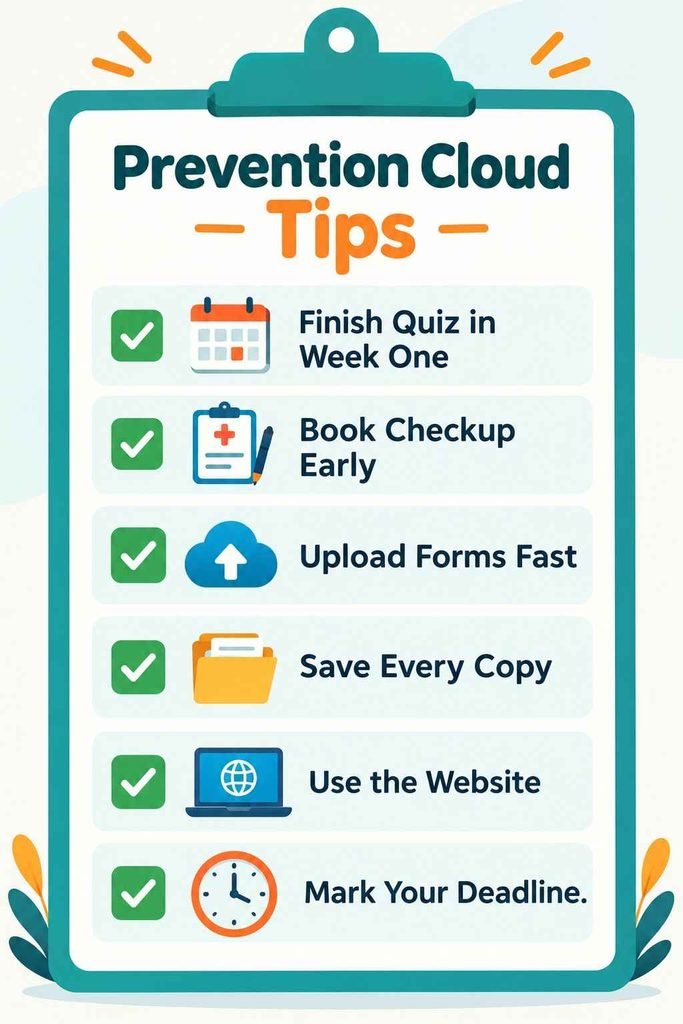
They sound basic. They prevent most of the problems you see in reviews.
Who Should Use Prevention Cloud
If your employer offers it and the reward is real then join. The assessment is quick and the doctor visit is something you may need anyway. The reward can easily outweigh the hassle.
Pause if sharing health data with a workplace program bothers you. Ask HR how the data gets used first. Rules differ so ask what happens if you opt out.
Buying for a company? Look past the software. Ask about support and app fixes. Ask how forms travel from doctors to points. Those details shape user happiness more than any feature list.
Conclusion
Prevention Cloud is a Zomo Health wellness platform that turns health assessments and doctor forms into points your employer can reward. The core idea is sound because early care helps people catch problems sooner. The website does a decent job for most users.
The phone app is the real weakness. Store ratings are low and users report crashes and sync failures. Extra paperwork annoys some staff too. A lot of that comes down to how your employer sets things up.
So here’s the takeaway. If the reward is worth it then join and lean on the website. Upload early and keep copies. If the app acts up then switch to the browser and ask HR for help. And mind the name. A security blog uses the same words for a different idea so confirm which one you need.
FAQs About Prevention Cloud
Is Prevention Cloud legitimate?
Yes. It’s a wellness platform from Zomo Health used by employers and universities. Your employer sets the rules and rewards, so confirm details with HR.
What is Prevention Cloud used for?
Employers use it to track health assessments, doctor visits, challenges and points. Staff earn rewards like premium discounts or rebates based on program rules.
Why is the Prevention Cloud app not syncing?
Sync problems often involve Apple Health, Google Fit or Garmin links. Update the app, reconnect your device, or enter steps by hand on the website.
How long do Prevention Cloud points take to show up?
Form points often post in two to three business days. Some employers warn it can take up to two weeks, so upload early.
Is Prevention Cloud a cloud security tool?
Not usually. Most people searching it mean the employee wellness portal. Some blogs use the name for security ideas, so check your source.